
Best AI Tools 2025 – My Honest Experience After Testing 200+ AI Tools
Looking for the best AI tools to level up your content, business, and productivity in 2025? This in-depth guide is based on my honest experience after testing 200+ AI tools across writing, video creation, automation, marketing, and more. No hype, no sponsorship bias — just real results, screenshots, and practical insights to help you choose tools that actually save time and make money.
AI TOOLS DIRECTORY
Clark
12/4/202514 min read
If you’re new here, hi — I’m Clark. Some people go to the gym every day… I test AI tools every day. Over the past year, I’ve tested more than 200+ AI tools, including tools for video creation, writing, automation, ecommerce, YouTube, productivity, and general business use.
I discovered something important: No AI tool is perfect. Some are insanely powerful in one area but totally weak in another. If you want to know which tools actually fit your work and which ones to advoid - keep reading.
And it’s not just individual creators turning to AI. McKinsey reports that 92% of companies plan to increase their AI investments over the next three years — meaning AI isn’t a trend anymore, it’s becoming a normal part of everyday work.
Source: McKinsey Global Survey on AI, 2024
This article is not sponsored. I only included tools I personally tested and tools that work well for creators, small business owners, freelancers, students, and entrepreneurs.
Here, you’ll find tools that:
solve real problems
fit real budgets
accept new creators
are easy to use
help you make videos, automate business tasks, grow on YouTube, write faster, or build websites
I personally use in my weekly workflow
This is my honest, personal, experience-based breakdown of the Best AI Tools for 2025.
This guide is perfect for:
• Content creators, entrepreneurs, freelancers, YouTubers, marketers, students, ecommerce sellers, small business owners
• People who want to create videos faster, improve writing, automate business tasks, or grow online
• Beginners who want easy-to-use AI tools
• Anyone who wants to save time and work more efficiently with AI
My Personal AI Workflow (How I Actually Use These Tools)
Instead of giving a generic list, I want to show you how I personally use these tools in real projects. My workflow changes depending on the type of content or project I'm working on, but these are the tools that stay in my rotation throughout the week.
🎬 Content Creation Workflow
Whenever I create YouTube videos, TikTok content, explainer videos, or affiliate videos:
• Fliki → I convert scripts into full video drafts with voiceovers and scenes.
• FlexClip → I polish and add transitions, branding, effects, subtitles, and finishing touches.
• Murf → I generate realistic narration when I need higher voice quality or different accents.
• vidIQ → I research keywords, find video ideas, and analyze competitors to increase views.
These four tools together save me hours per video and help me create consistent content without burnout.
🛍️ Ecommerce + Marketing Workflow
If I'm working on product pages, landing pages, Instagram content, or ad materials:
• Tagshop → I embed user-generated content (UGC) to increase trust and conversions.
• Wasender → I send automated follow-up messages, promotions, and reminders to customers.
• CreateAnything / Pikzels → I generate quick visuals, ads, thumbnails, and design variations for social media.
This combination is extremely effective for ecommerce brands and small online stores because it boosts engagement and trust quickly.
🧠 Writing + Productivity Workflow
For emails, blog posts, reports, captions, and quick daily writing tasks:
• Easy-Peasy AI → I use one-click templates for captions, descriptions, emails, summaries, and rewrites.
• Rytr → I generate short content (social posts, quick ideas, product descriptions) when I need speed.
• Exemplary.ai → I produce structured reports, outlines, and business-style writing that must be clean and organized.
These tools help me produce writing much faster without sacrificing clarity.
🤖 Automation + Website + Startup Workflow
If I’m building something more technical or automating processes:
• DocsBot → I build document-trained Q&A bots for websites, courses, or user support systems.
• SupaStarter → I launch prototype SaaS ideas or internal tools quickly using ready-made templates.
• Sitefy → I start new micro-websites (affiliate sites, niche sites, landing pages) without designing from zero.
• Lovable.dev → I generate code components, small features, or development improvements using AI.
This workflow helps me build ideas quickly, automate repetitive tasks, and save time on both coding and setup.
Why This Workflow Works?
I combine tools that focus on automation, editing, writing, design, and business, instead of relying on a single “do everything” AI.
Each tool has a specific purpose, which makes my workflow:
• faster.
• more consistent.
• more creative.
• less stressful.
• easy to scale.
• perfect for affiliate marketing, content creation, and online business.
These tools reduce the amount of manual effort I need each day — which is exactly why they made it into this article.
My Recommendations Tools You Should Try
This is the simplest way to decide:
If you want to… Use this tool
Make videos fast Fliki, FlexClip
Add clean AI voiceovers Murf
Grow a YouTube channel vidIQ
Show ecommerce social proof Tagshop
Write or rewrite content Easy-Peasy, Rytr, Exemplary
Automate customer messaging Wasender
Create an AI bot from documents DocsBot
Launch a startup quickly SupaStarter
Build a website fast Sitefy
Create visual content Pikzels, CreateAnything
Boost developer workflow Lovable.dev
In fact, every AI tool has its own strengths and weaknesses. To truly understand where each one shines - and where it fails - keep reading the full reviews below.
Now, let’s move into the full reviews.
Tool #1 — Fliki
Best for: Fast AI video creation (YouTube, TikTok, Reels)
If you told me I could only keep one AI video tool, I would choose Fliki immediately. I first used it when I needed to create short videos quickly without spending hours editing footage, and Fliki impressed me from day one. You give it a script, grab a coffee, come back — and the video is ready.
What I personally like is that Fliki has natural voices, fast rendering, strong multi-language support, an excellent library of stock footage, and a beginner-friendly interface. It's especially good for faceless YouTube channels, TikTok, educational content, and affiliate videos.
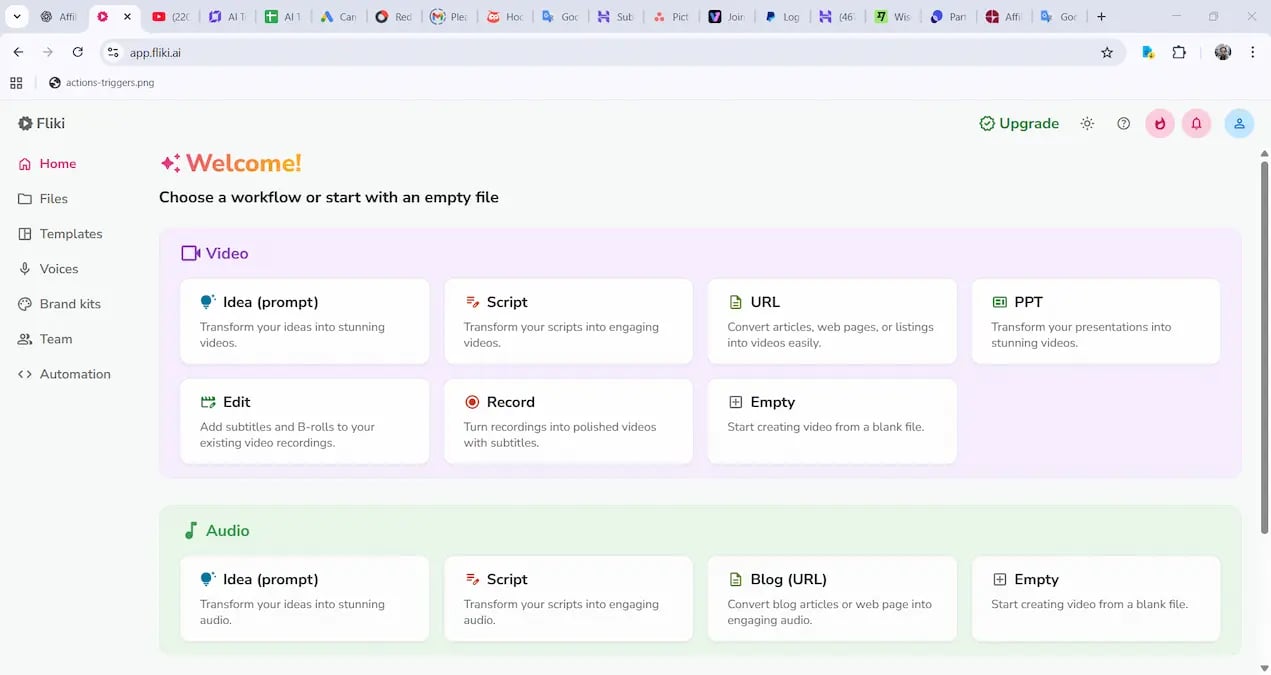
Best : Super easy text-to-video creator with great realistic AI voices, big template and footage library, quick rendering, multilingual support, affordable plans. Amazing for fast social media content like Tiktok, Reels, Shorts.
Bad: Some voices still sound "AI-ish" during emotional sentences.
Pricing : Free plan available. Paid plans start from about $8–$28/month.
Visit Official Website → https://fliki.ai/
Tool #2 — Murf
Best for: High-quality AI voiceovers
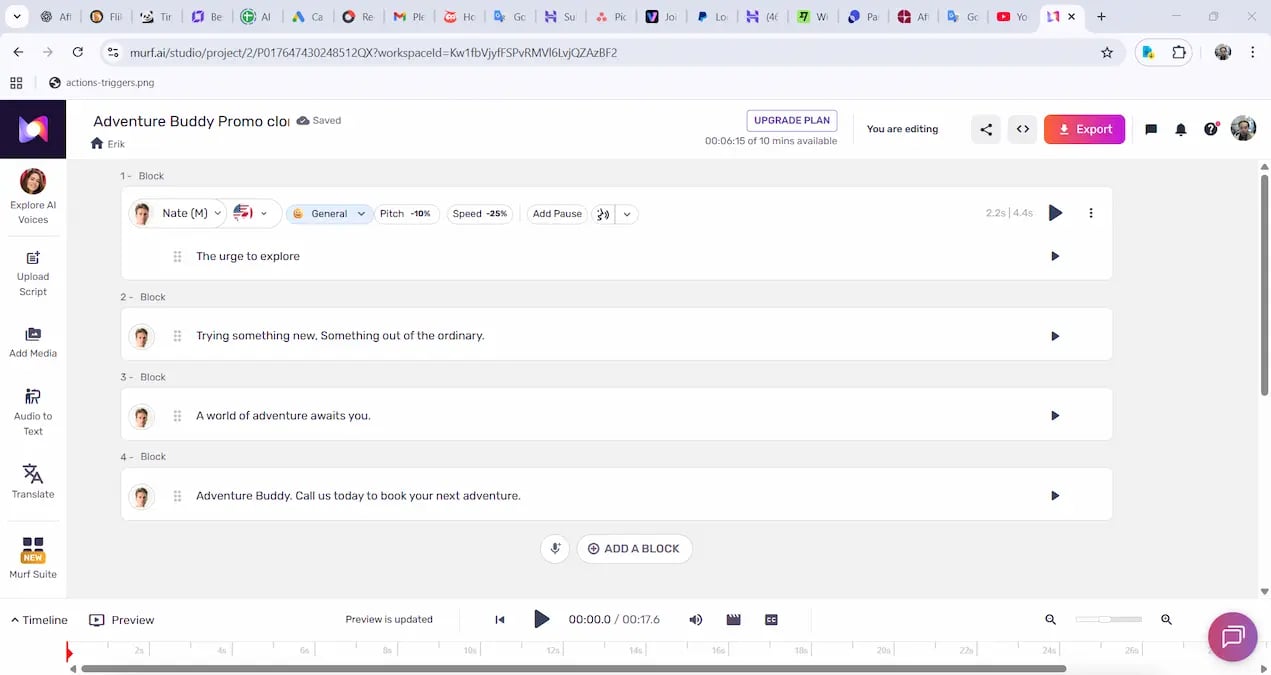
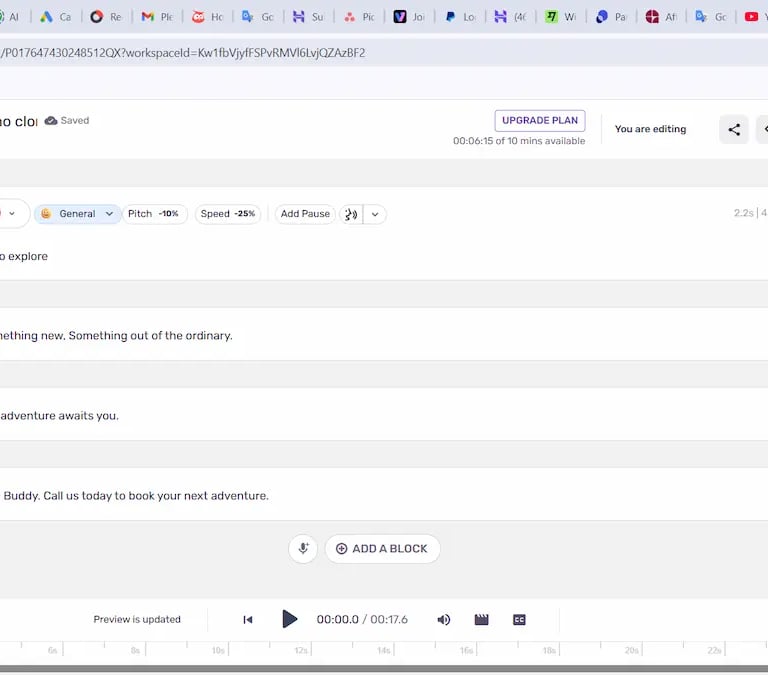
I’ve tested more than 20 AI voice generators, and Murf stands out by far. Many voice tools sound metallic or robotic, but Murf produces clean, smooth, expressive voices that often fool real listeners. I tested it by playing two videos — one with a real narrator, one with Murf — and people guessed wrong. It's great for YouTube narration, product demos, training videos, presentations, storytelling, ads, and language learning content.
Best: One of the best AI voice-over generators studio-level clarity. Many professional voices for ads, podcasts, courses.
Cons: Limited free tier; almost all good voices require a paid plan.
Pricing: Plans start at around $19/month.
Visit Official Website → https://murf.ai/
Tool #3 — FlexClip
Best for: Templates, editing, social media promos, ads
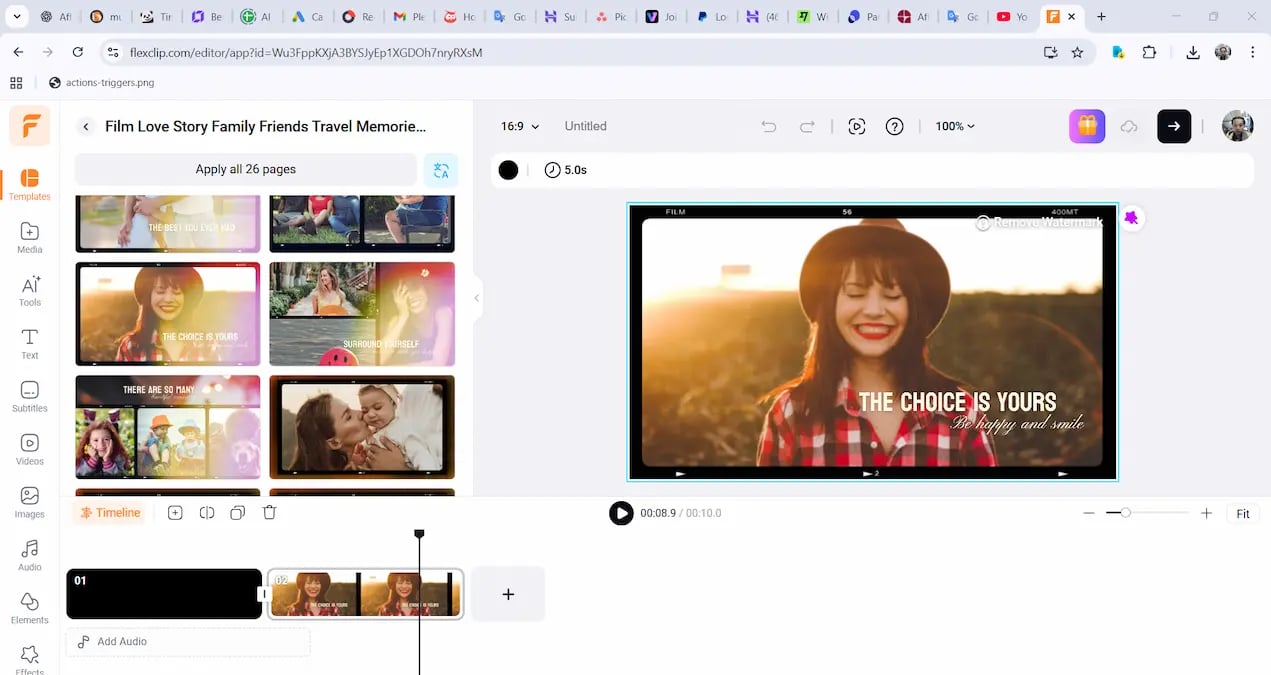
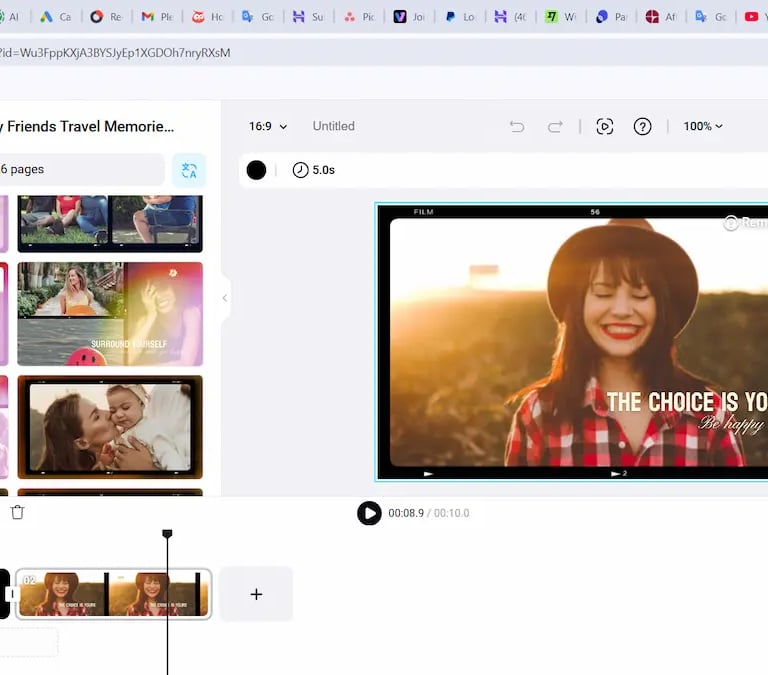
FlexClip is a surprisingly strong video editor with one of the best template libraries I’ve used. Whether you're making ads, intros, slideshows, business videos, TikToks, YouTube intros, or promo clips, FlexClip helps you create polished content quickly. If Fliki is “automation,” FlexClip is “creative control.”
What I like: Beautiful templates, simple drag-and-drop editing, great text effects, good stock library, excellent for marketing visuals.
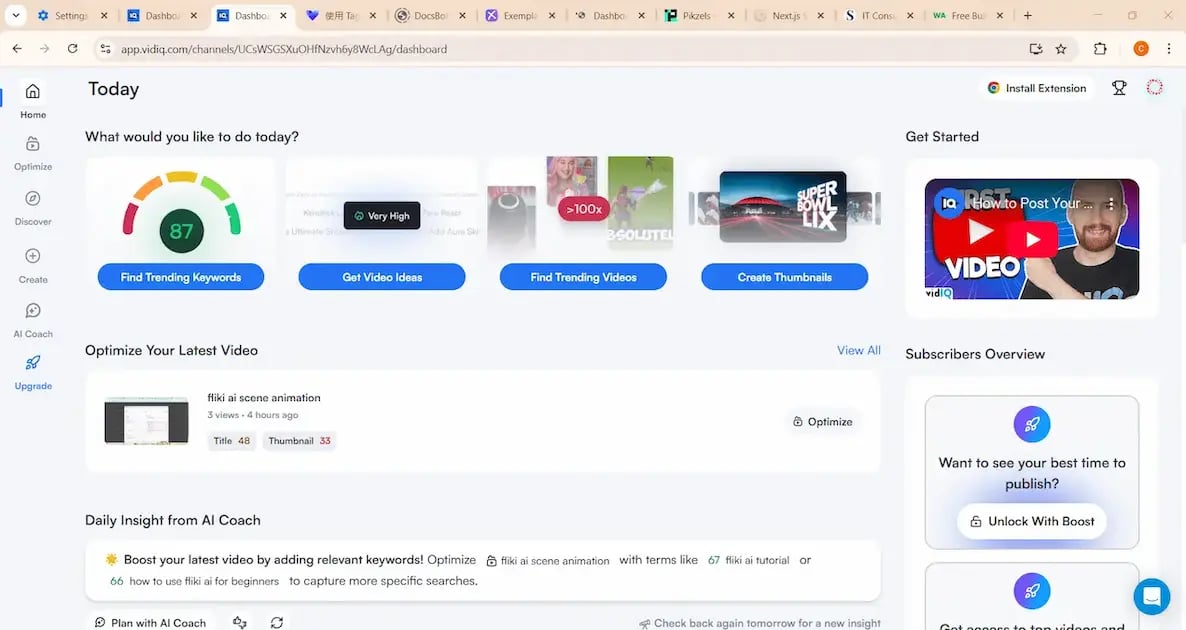
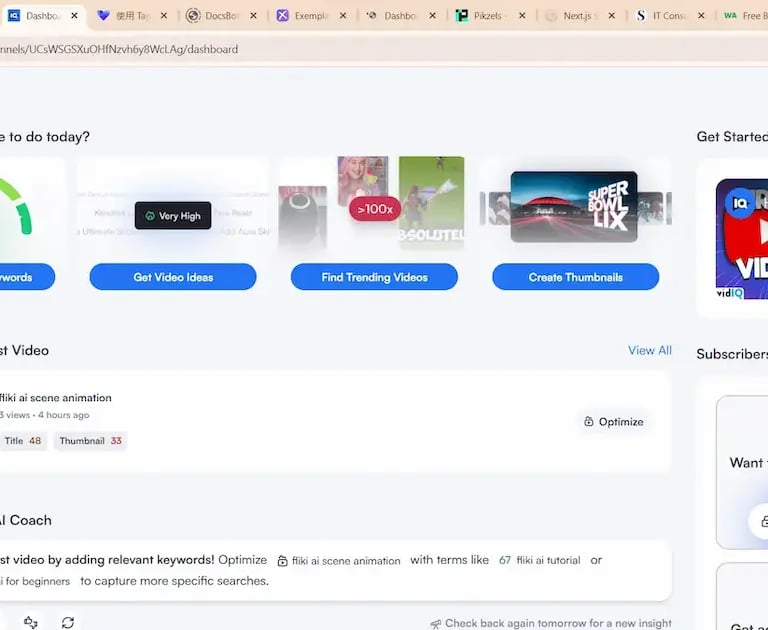
Best: best tool for YouTube keyword research, ranking, and analytics. Helps creators find high-opportunity topics very fast.
Bad: New creators complain that results are too "general" without upgrading. Competitors copy its features, so value depends on plan.
Pricing: Plans start at around $10/month.
Visit Official Website → https://vidiq.com
Tool #5 — Tagshop
Best for: best tool for shoppable Instagram, TikTok galleries.
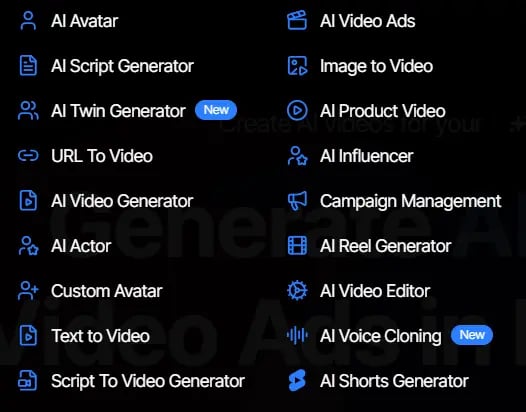
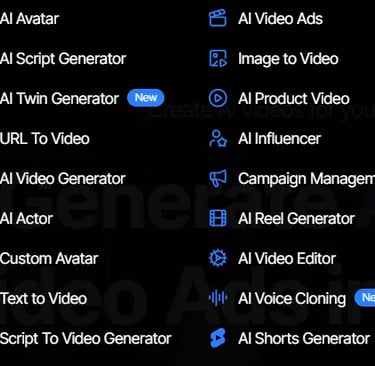
Tagshop stands out because it turns every part of your content workflow into a monetizable engine. With powerful tools like AI Product Video, AI Influencer, Text-to-Video, AI Video Ads, and Campaign Management, the platform lets you create high-quality shoppable videos in minutes—no editing skills needed.
It gives you studio-level production + eCommerce performance optimization in one place.
Pros: Helps convert UGC videos into real sales pages, boosts store credibility, works well for brands and creators, easy embedding.
Cons : Mainly useful for ecommerce websites; not necessary for creators without products.
Pricing: Start at $11/month
Visit Official Website → https://tagshop.ai/
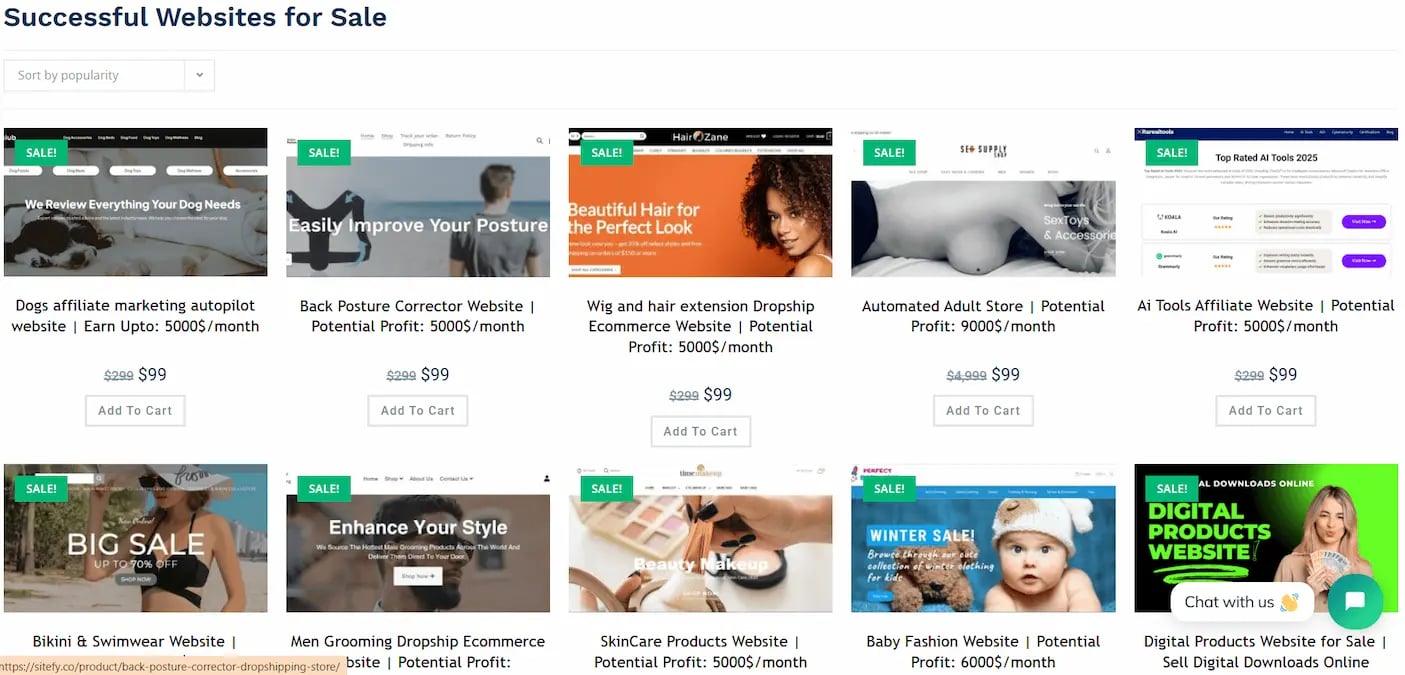
Tool #6— Sitefy
Best for: Premade websites, niche templates, affiliate sites, micro-business sites
What I genuinely like about Sitefy is how it removes all the headaches of building a website. It solves the real problems most beginners face. You don’t need to worry about hosting speed, domain setup, WordPress errors, or design skills — they package everything into a done-for-you system. The result is a professional, conversion-ready website that actually loads fast and works. If you’re someone who prefers results over technical stress, Sitefy is worth checking.
Best : Thousands of beautiful templates for marketing videos. Extremely beginer- friendly and time-saving.
Bad : Not suitable for advanced editors who want full control.
Pricing : Free plan available. Paid plans around $9–$19/month. https://www.flexclip.com/pricing.html
Visit Official Website → https://www.flexclip.com/
Tool #4 — vidIQ
Best for: Best tool for YouTube analytics, keyword research, growth.
If you're serious about YouTube, vidIQ is almost mandatory. It helps you find keywords, discover content gaps, track competitors, improve titles, and understand what makes certain videos go viral. The “Daily Video Ideas” feature alone is worth the subscription.
Excellent keyword scoring, deep channel analytics, competitor tracking, performance forecasting, AI title suggestions.
Pros : Greate for selling premade affiliate or niche websites. Very beginner- friendly.
Cons : Not suitable for complex businesses; some templates follow similar structures.
Pricing : Usually between $39–$99 depending on template.
Visit Official Website → https://sitefy.co/
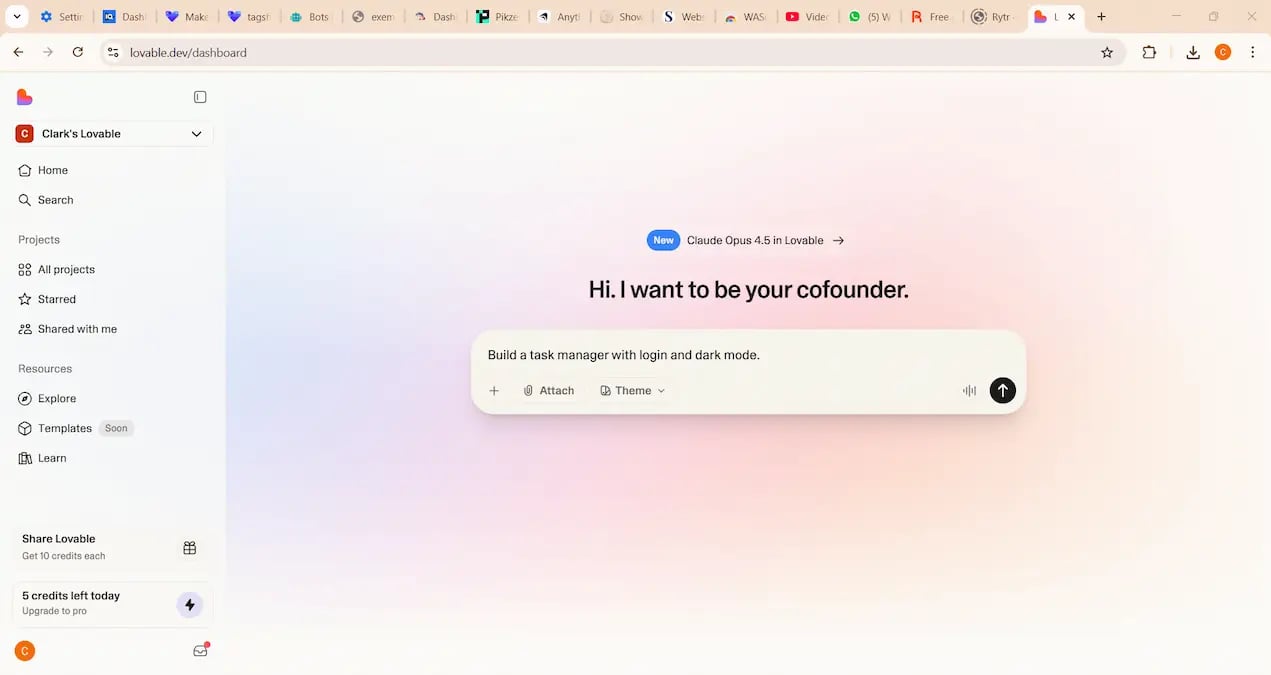
Tool #7 — Lovable.dev
Best for: Coding assistance, component generation, developer productivity
Lovable is one of the best AI code-generation platforms right now. It competes with Replit, Cursor, Bolt.new, etc.
It aimed at developers who want help generating UI components, fixing code, creating functions, or speeding up development. It feels like a more structured, developer-focused version of ChatGPT.
If you have developer readers, this tool is a great recommendation. Even if you are not a programmer yourself, including Lovable in your list adds completeness and helps cover the “AI coding tool” category.
Pros: Generates full apps and websites from simple prompts. Amazing for non-coders who want fast prototypes.
Cons : App quality depends heavily on promt; not always stable. And advanced logic still requires manual fixing.
Pricing : Free plan available; paid plans vary.
Visit Official Website → https://lovable.dev/
Tool #8 — SupaStarter
Best for: Launching startup ideas quickly without coding everything from scratch
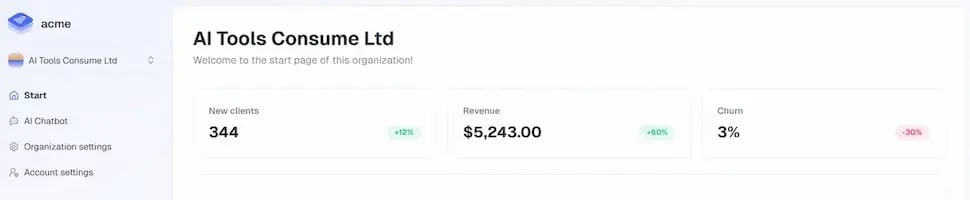
SupaStarter is a huge time-saver for anyone building a SaaS or web app. Instead of spending weeks setting up authentication, dashboards, payments, user accounts, admin pages, and basic backend logic, SupaStarter gives you ready-made starter kits that you can customize. Below are screenshots from the live demo showing how the interface looks.
It’s ideal for MVPs, micro-SaaS experiments, AI tools, project-based learning, and quick startup prototypes. When I test new ideas, I often start with a SupaStarter kit — it saves days or even weeks of work.
Best: Best AI-generated SaaS starter kits. Saves weeks/months of coding time, modern technology stack, clean UI templates, great for testing ideas, helpful documentation.
Bad: Not a complete “drag-and-drop” builder; requires basic tech knowledge; customization needed for advanced features.
Pricing : One-time purchase per starter kit.
Visit Official Website → https://supastarter.dev/
Tool #9 — DocsBot.ai
Best for: AI knowledge bots, document-based Q&A, support automation
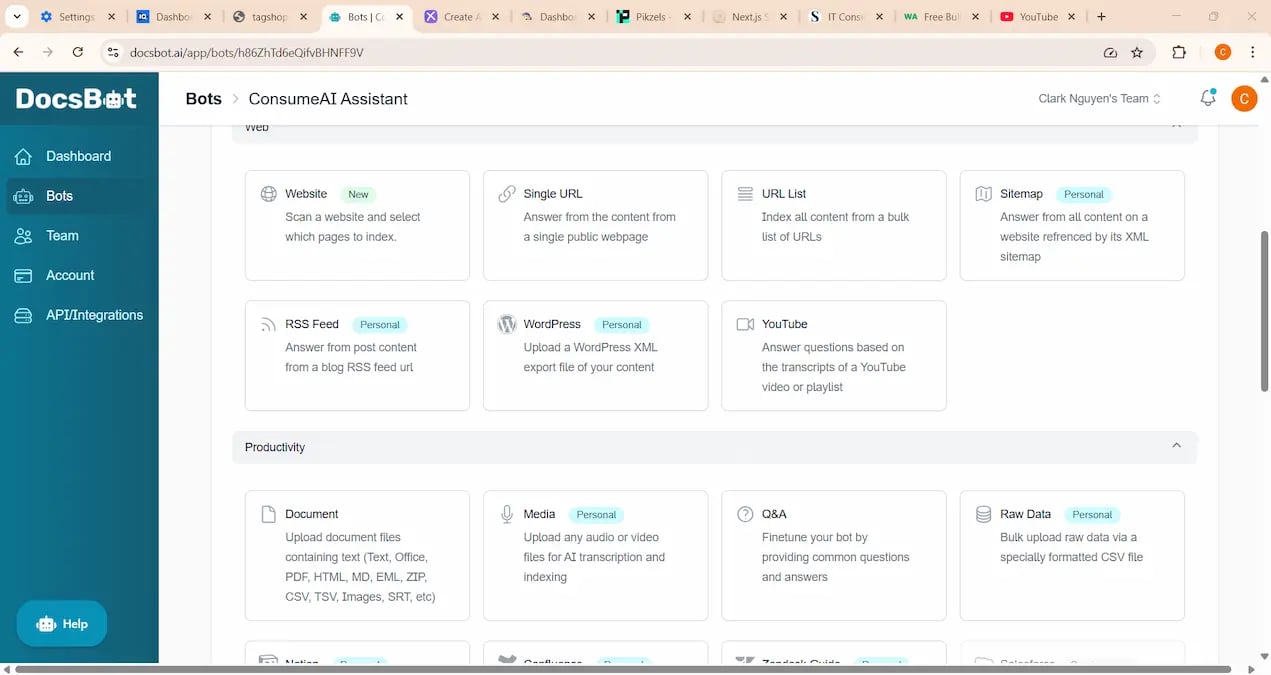
DocsBot is perfect if you’ve ever wished your website could answer customer questions for you. It turns your documents — PDFs, manuals, FAQs, website pages, instructions — into an AI-powered chatbot that can respond instantly and accurately.
I use DocsBot when I need to convert long documents into a quick Q&A system. It’s ideal for customer support, tutorials, course websites, and business knowledge bases. The accuracy is strong because the bot answers strictly from the content you upload.
Pros : Very strong chatbot trained on your documents, Easy setup, accurate document reading, customizable chat widget, great for support automation, works well for business workflows.
Cons : UI feels a bit outdated compared to competitors. And it can be expensive if you have hugh PDF/text datasets.
Pricing : Free plan available; paid plans around $19–$49/month depending on training size.
Visit Official Website → https://docsbot.ai/
Tool #10 — Rytr
Best for: Simple writing, rewriting, social posts, captions, quick content
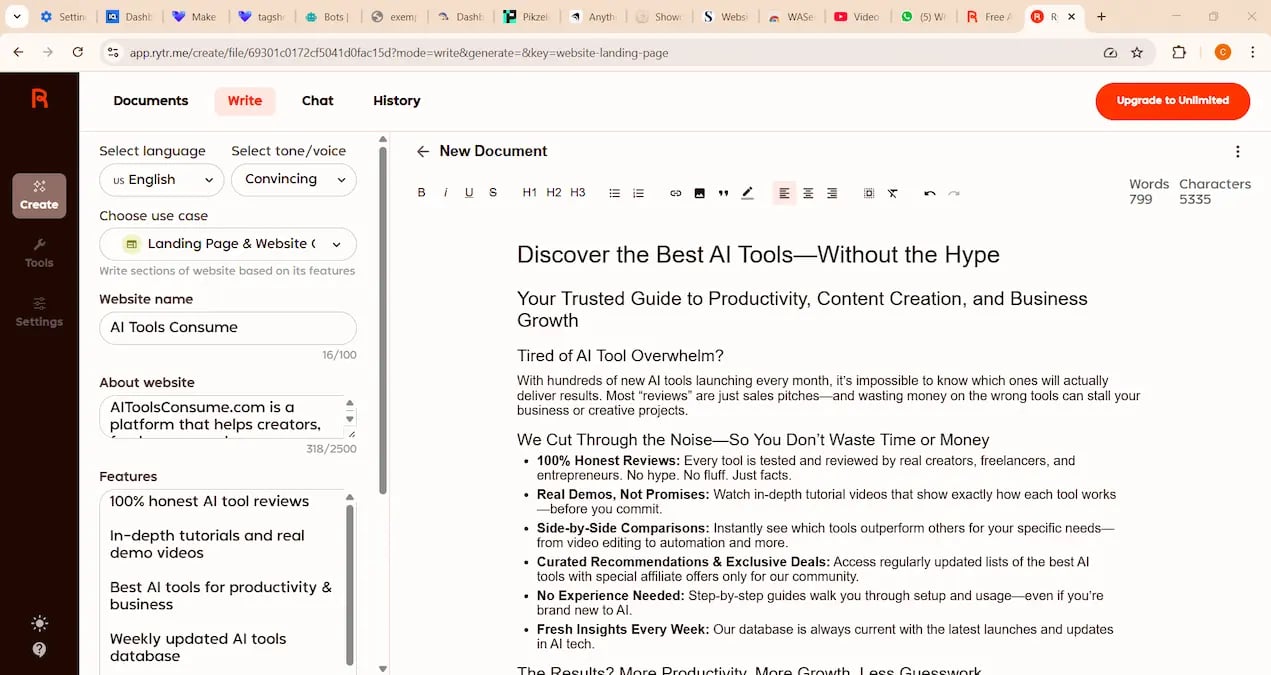
Rytr is one of the easiest and cheapest AI writing tools to use with good quality outputs. Super fast and simple for beginners or people who need light writing assistance.
But It’s not as powerful as advanced AI writers.
Rytr covers 40+ writing categories. It’s perfect for quick tasks like rewriting sentences, generating social captions, writing product descriptions, creating short emails, and producing simple blog ideas.
Pros : Simple UI, beginner-friendly, fast, affordable, plenty of templates. Rytr covers many writing categories.
Cons: Not ideal for long-form articles; outputs can be repetitive.
Pricing : Free plan available; paid plan around $9/month.
Visit Official Website → https://rytr.me/
Tool #11 — Easy-Peasy AI
Best for: Beginners, simple writing tasks, fast content
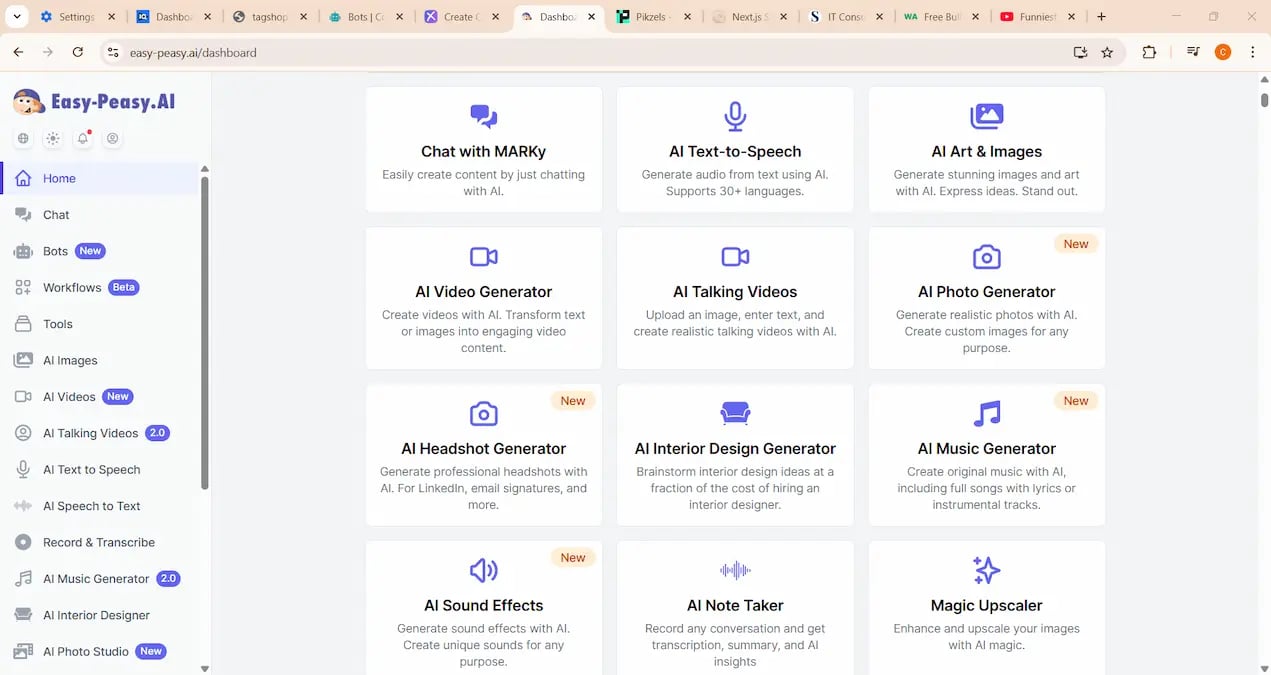
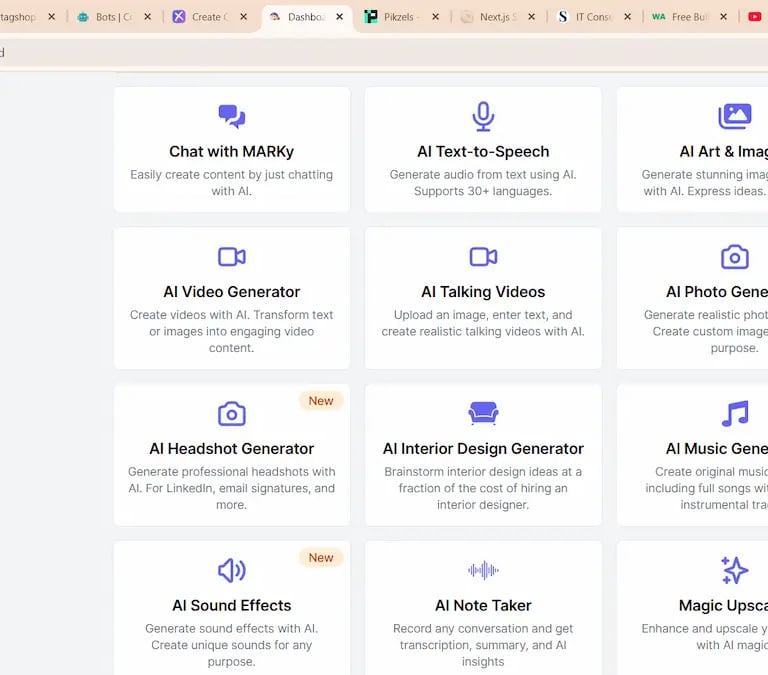
Easy-Peasy AI is perfect when you want quick writing without thinking too much. It includes templates for blogs, emails, Instagram captions, YouTube descriptions, ads, rewriting, summaries, product descriptions, and more — all in a clean, beginner-friendly interface.
Sometimes when I am tired, I open Easy-Peasy because it feels like the “microwave oven” of AI writing: fast, convenient, and predictable.
Best : Very fun UI, fast, simple, many templates, good for short tasks, beginner-friendly.
Bad : Not ideal for SEO or long professional articles.
Pricing: Free plan available; paid plans cost around $9–$29/month.
Visit Official Website → https://easy-peasy.ai/
Tool #12 — Exemplary.ai
Best for: Structured writing, professional reports, workflow-based content
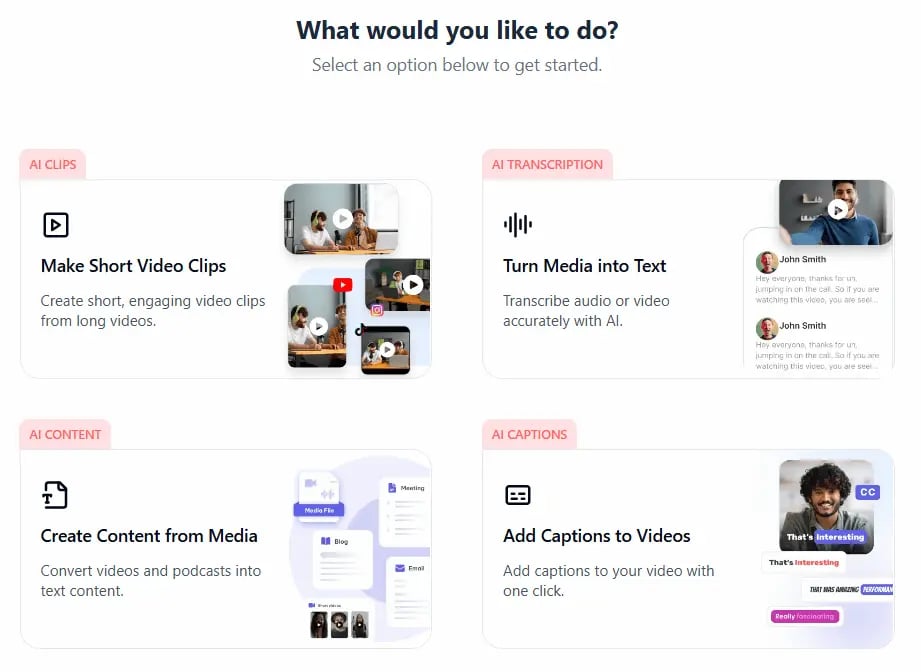
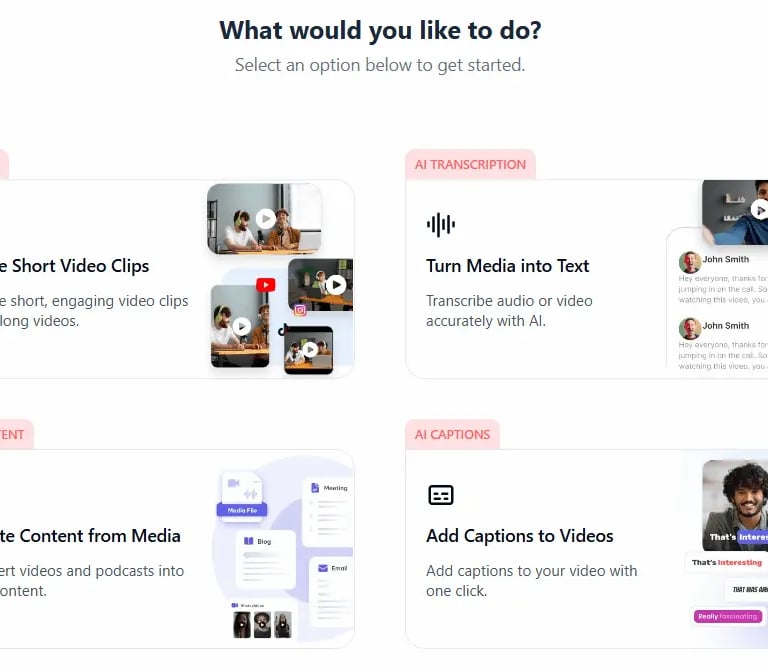
For me, Exemplary is like ChatGPT’s disciplined older brother — clean, organized, and excellent at structured writing. It shines in business content: reports, outlines, emails, project summaries, articles, and formal documents.
I use Exemplary when I want writing that feels polished and organized. Its workflow templates help generate content that is formatted, logical, and easy to read.
Pros: Very clean and structured outputs, ideal for business writing, fast generation, intuitive interface. Strong intergration with Zoom, Meet, Teams.
Cons: Sometimes miss key details in noisy meetings.
Pricing: Free plan available; paid plans start around $19/month.
Visit Official Website → https://exemplary.ai/
Tool #13 — Createanything
Best for: designers who want fast concept art, and unique creative assets.
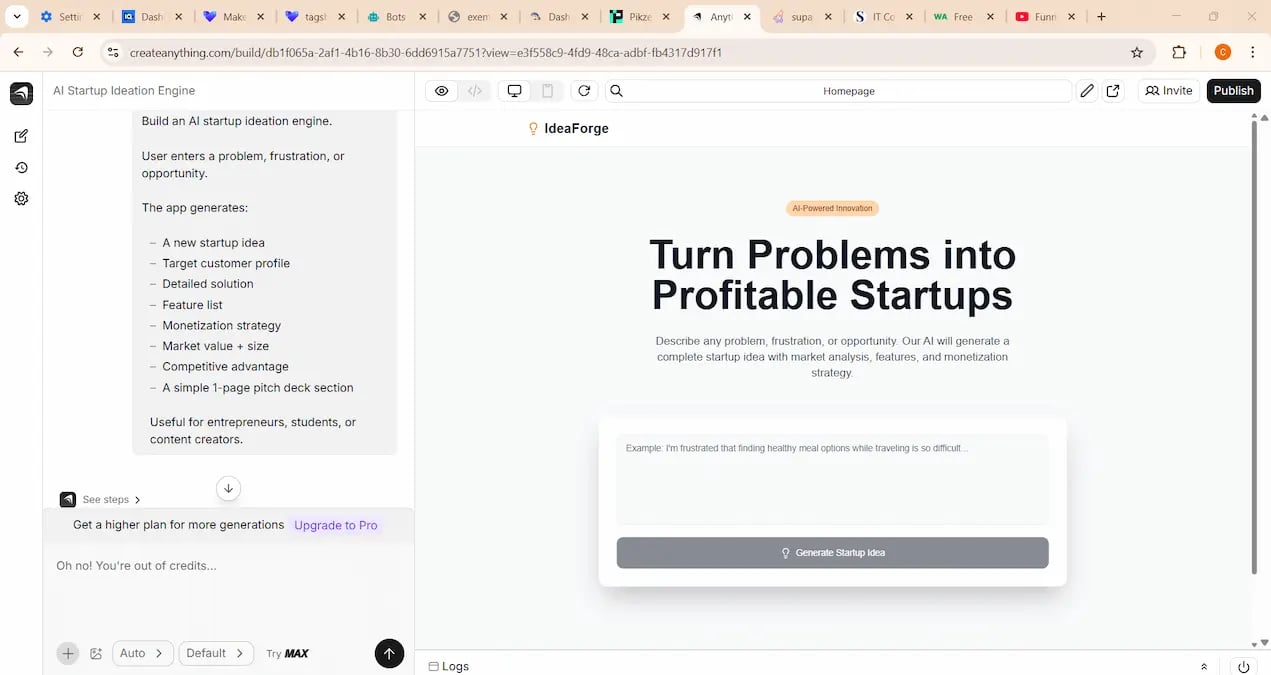
CreateAnything is a creative AI tool focused on marketing visuals — posters, captions, thumbnails, product images, ad concepts, and quick visual ideas. It’s not a heavy-duty design tool; it’s a fast ideation tool that helps you produce designs quickly, especially if you’re not a professional designer.
Sometimes I use it for generating unique creative assets with custom prompts.
Pros: Great for marketing visuals, fast generation, many style variations, beginner-friendly.
Cons: Quality varies depending on prompt engineering.
Pricing: Free credits available; paid plans around $10–$20/month.
Visit Official Website → https://www.createanything.com
Tool #14 — Wasender
Best for: WhatsApp bulk messaging, customer engagement, marketing automation
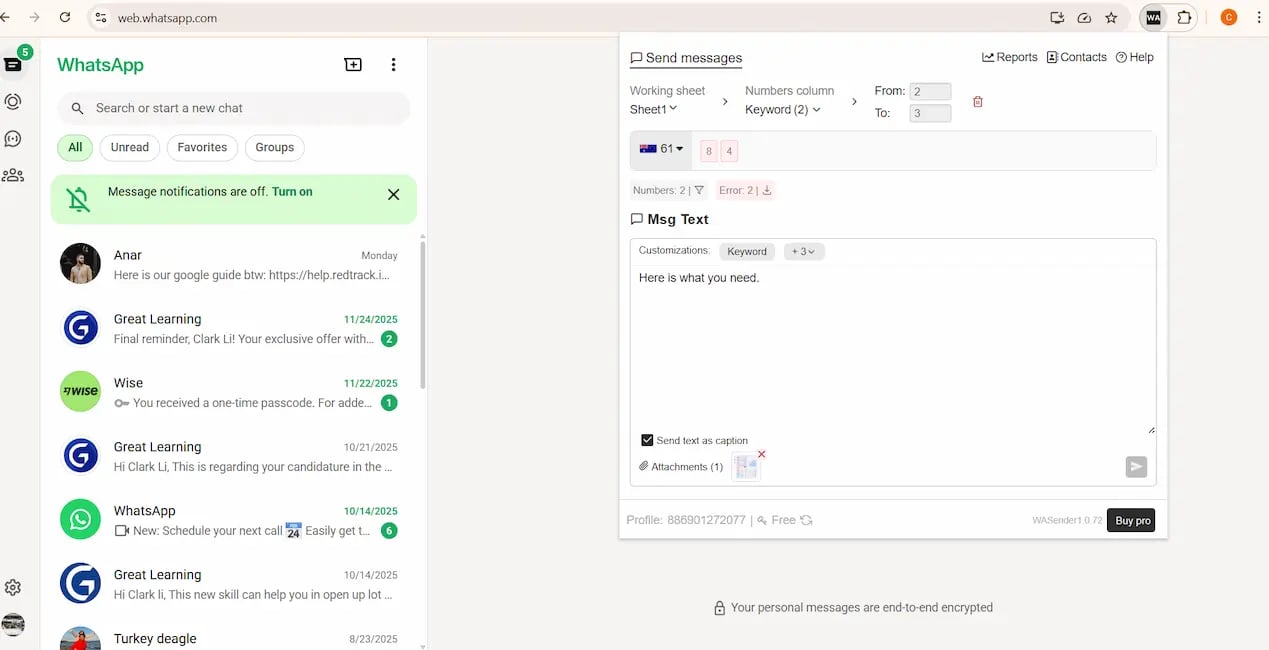
Wasender is a powerful WhatsApp marketing and automation tool. It helps businesses send bulk messages, automate follow-ups, broadcast promotions, and manage customer communication more efficiently.
What makes Wasender valuable is that WhatsApp has extremely high open rates — much higher than email. This makes the tool great for ecommerce, lead generation, local stores, agencies, influencers, and online sellers.
Pros: High business value, strong automation, perfect for Asian markets, bulk WhatsApp marketing and automation.
Cons: Not useful for people without marketing needs.
Pricing: One-time license (varies by version).
Visit Official Website → https://wasender.com/
Tool #15 — Pikzels
Best for: AI images, simple design tasks, practical content creation
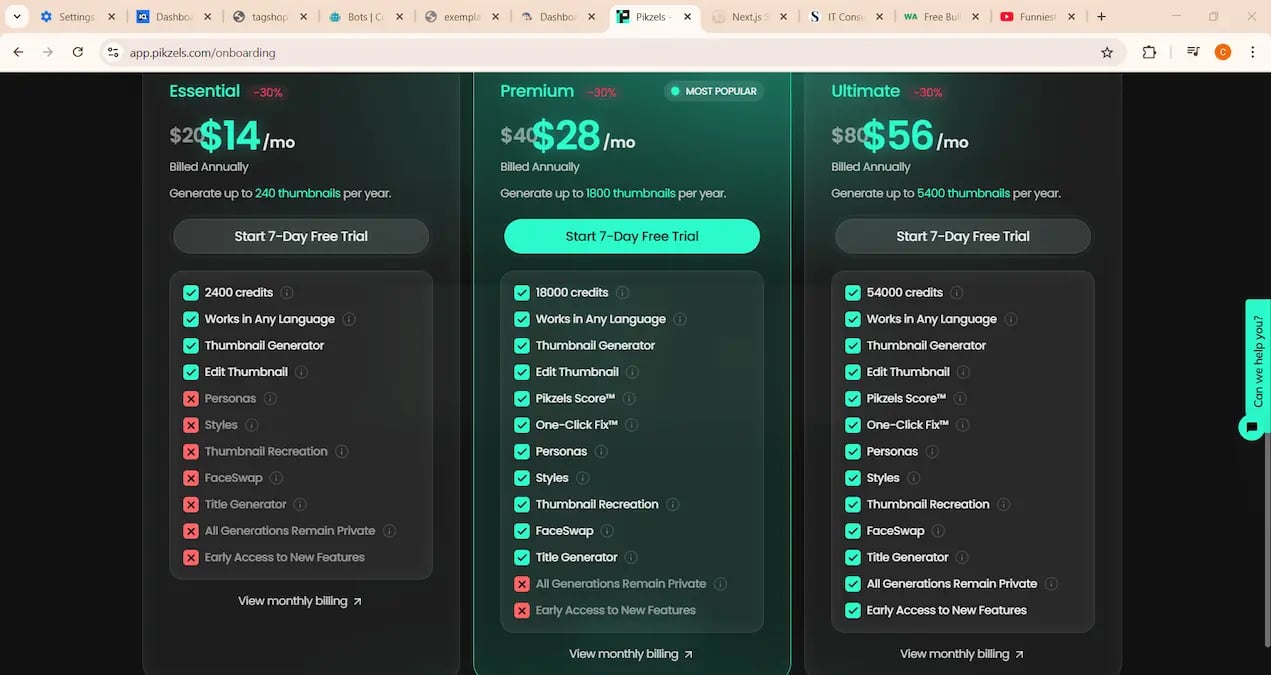
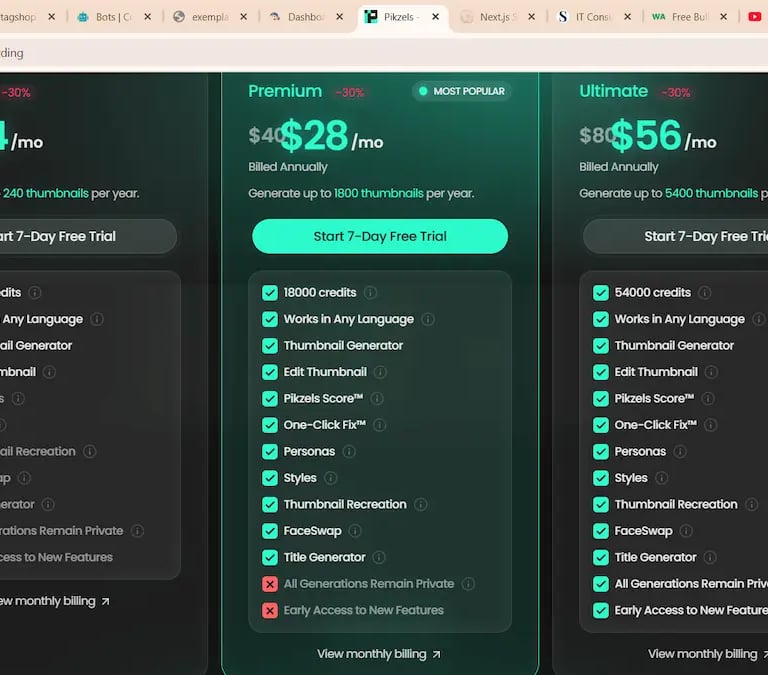
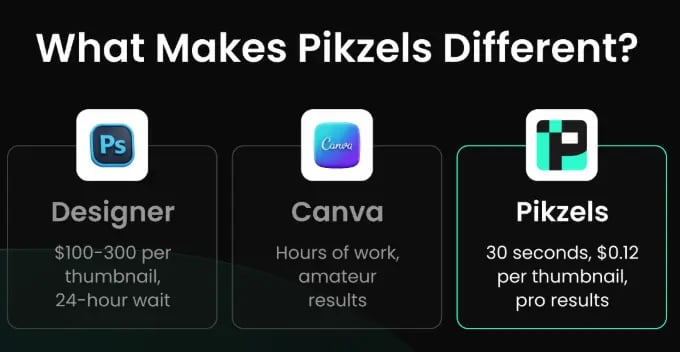
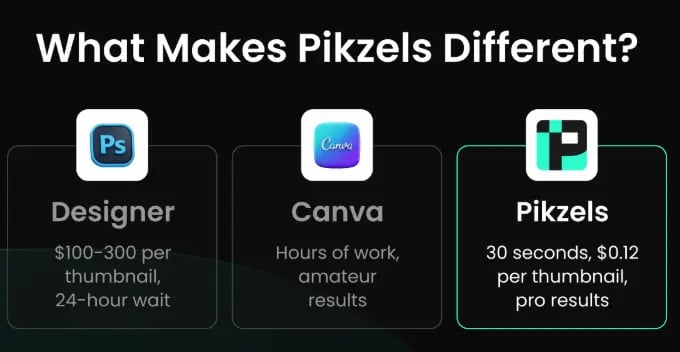
Pikzels combines AI image generation with lightweight design features. It’s great for people who need visuals for blogs, ads, thumbnails, social posts, product mockups, or website content — it produces “usable visuals,” not just fancy experimental art.
The interface feels like a simpler, AI-enhanced version of Canva, but with more flexibility for custom visuals.
Pros: Easy to use, good templates, strong for everyday creative tasks, fast updates, affordable.
Cons: Not as advanced as Midjourney or Photoshop; best for practical content, not high-level art.
Pricing Free credits available; paid plans start around $14/month.
Visit Official Website → https://pikzels.com/
Final Recommendation
If you feel overwhelmed by the number of tools in this article, don’t worry — you don’t need all of them. Each tool serves a different purpose. If you want a simple starting point, here are the tools that offer the biggest impact with the least effort:
Fliki → fastest way to create videos for YouTube, TikTok, Reels, and social platforms.
Murf → best AI voice generator with realistic, human-sounding audio.
FlexClip → easiest tool for editing, templates, marketing visuals, and polished video content.
vidIQ → essential YouTube assistant for keyword research, ideas, and channel growth.
DocsBot → top choice for automating customer support, documentation, and internal Q&A.
Wasender → powerful WhatsApp marketing and communication automation for ecommerce and businesses.
Tagshop → best for improving trust and conversions with UGC and social proof.
If you start with just these tools, you can already create videos, optimize content, automate workflows, and run a more efficient online business in 2025 - 2026.
AI will not replace humans — but a human who knows how to use AI will definitely outperform everyone else.
Frequently Asked Questions (FAQ)
How do I choose the best tool for my workflow?
Choose based on your main goal. If you create content, start with Fliki, Murf, and Flexclip. If you run a business, focus on Tagshop, Wasender, and DocsBot. If you write often, tools like Rytr, Easy-peasy AI, and Exemplary will help the most. And if you're building websites or SaaS projects, SupaStarter, Sitefy, and Lovable.dev will speed things up.
Are these AI tools free?
Most of the tools in this article offer free plans or free trials. The free plans usually include basic features, enough for testing and casual use. Paid plans unlock higher limits, faster processing, advanced features, and commercial rights.
Which AI tool is best for beginners?
Beginners should start with Easy-peasy AI, Rytr, Fliki, or Flexclip. These tools are clean, simple, and require almost zero technical skill. They also include ready-made templates that help you create content quickly.
Which AI tool helps you make money fastest?
Tools that solve real business problems usually convert to money the fastest. These include: Tagshop (ecommerce trust), Wasender (customer messaging automation), and SupaStarter (launching SaaS ideas quickly). Fliki and vidIQ can also help creators monetize faster by producing content and growing channels.
What’s the best tool for YouTube?
For YouTube, use Fliki to produce videos quickly and vidIQ to grow your channel, find keywords, study competitors, and optimize your upload strategy. You can also explore my full list of AI video tools.
Can I use these tools for school or work?
Absolutely. Many students use Fliki and Murf for presentations, DocsBot for notes and Q&A bots, and AI writing tools for studying or drafting ideas. Professionals use them for marketing, automation, content creation, videos, and productivity tasks. If you're looking specifically for AI writing tools, I also wrote a dedicated guide here: AI writing tools.
Are these tools safe?
Yes. All tools listed here are trusted platforms with secure websites. However, always avoid uploading sensitive personal information or confidential company data unless the tool clearly states encrypted processing.
Do AI tools replace human creativity?
No. AI tools help with repetitive tasks, structure, editing, speed, and automation, but human judgment, creativity, strategy, and personal style are still essential. AI enhances your work — it doesn’t replace your value.
Which tool saves the most time?
For videos: Fliki
For editing: FlexClip
For voiceovers: Murf
For writing: Easy-Peasy
For launching projects: SupaStarter and Sitefy.
Affiliate Disclosure:
This article contains affiliate links. If you choose to purchase through these links, we may earn a commission at no additional cost to you. This helps support our website and allows us to continue creating helpful content.
If you want me to review a new AI tool, feel free to contact us here.
AiToolsConsume Ltd © 2024
contact us business@aitoolsconsume.com
"Aitoolsconsume empower individuals and businesses with accessible AI tools for a brighter, more innovative future"